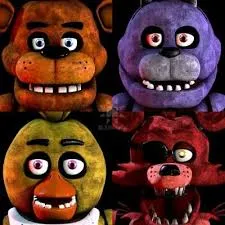

Start the first shift
Open Five Nights at Freddy’s from the game list. Press Start on this page, then Play Game in the Pizza Edition window. The game’s own New Game option starts the first shift. The newspaper introduction leads into the security office, where the clock, remaining power and current power usage are visible. Keep an eye on the cameras and use the office’s lights and doors when needed. The goal is to make it through the night before the power runs out.
Desktop launch check · November 18, 2026
The launcher opened the first office shift in desktop Chrome without asking us for a file. The check ended in the office, and audio remains unchecked.
Controls and devices
Use the mouse to choose New Game and operate the office controls on screen. The first shift opened in desktop Chrome, and the site’s fullscreen button worked. Controllers have yet to be verified.
On a phone or tablet
Phone-size touch check · November 23, 2026
We ran this page in Chromium with a Pixel 7 phone profile (touch input only, 412 × 839 screen) rather than on a physical handset. Start, Play Game and New Game answered taps, and the first night’s office opened after about 13 MB of downloads. There is no virtual pad, so you touch the game’s own controls. The camera bar opened and closed the monitor, a camera button switched rooms, holding near a screen edge panned the office, and the right door button closed the door.
The fit is the weak point. In portrait the wide picture is squeezed to fill the tall window, which leaves the door buttons only about 11 pixels wide. Landscape with Fullscreen makes them easier to hit, but at 360 pixels of height the Usage row and the top row of the camera map are cut off, and a door button there needed a slightly longer press. We did not play a night through by touch, and Safari on iPhone or iPad and physical Android devices have not been tried.
Saving your progress
Desktop save check · November 23, 2026
We tested this in desktop Chromium 153. This build records a night only once you have won it. Reloading in the middle of Night 1 returned to a title screen with New Game alone. After we survived to 6 AM, the title added Continue with Night 2, and that option was still there after a reload, after closing and reopening the tab, and after a full browser restart.
The night number is kept in this browser under the launcher’s address (pizzaedition.io). Clearing that site’s data took Continue away and put the game back on Night 1. We found no export or import option, and other browsers were not tested.
More from the collection
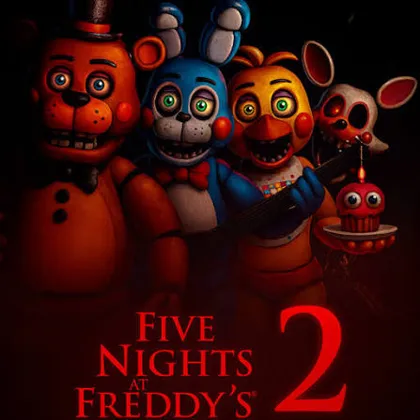
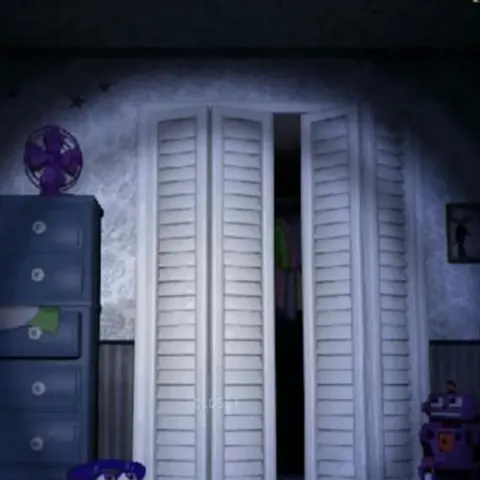
Continue with Five Nights at Freddy’s 2, or jump ahead to the bedroom nights of Five Nights at Freddy’s 4. For other games played one run at a time, try Brotato, where you outlast a wave timer, or Balatro. Back to the Ported 2 Browser game list.
Player comments
Found a useful control or a way past a tricky part? Leave a note for the next player.