How to start Cuphead in your browser
Find Cuphead in the Ported 2 Browser game list and press Start on this page. There is no second launcher button. The frame shows a Unity logo with a progress bar, then the Press Any Button title with Cuphead and Mugman. That took about a minute in our check. Press Enter to open the menu, keep START selected and press Z, then press Z on an empty NEW save slot.
Desktop launch check · November 27, 2026
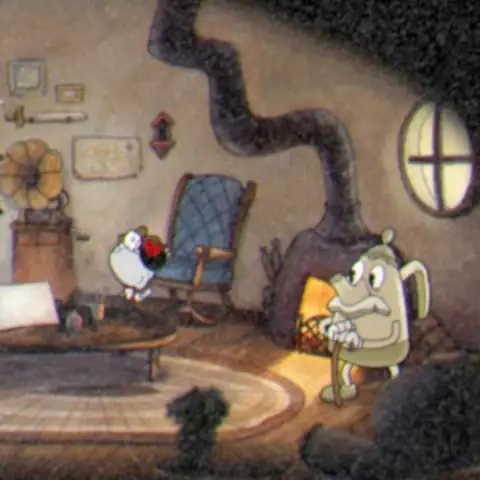
In desktop Chrome we started a new save, turned the storybook intro with Z and reached Elder Kettle's house. We closed his dialogue with Z, walked with the Left and Right arrows and jumped with Z. An earlier check on November 26 froze while loading, so the first load can fail. Boss fights, shooting, audio and saving were not checked.
Cuphead is the 2017 run-and-gun game from Studio MDHR, drawn and animated in the style of 1930s cartoons. Cuphead and Mugman lose a bet at the Devil's casino and have to collect the souls of his debtors, which means fighting a long line of bosses. The menu of this build credits the web port to breadbb (gn-math) and the original decompilation to SpanishFreddy.
Keyboard controls
| Action | Key | Tested |
|---|---|---|
| Leave the title screen | Enter | Yes |
| Confirm, turn pages, jump | Z | Yes |
| Walk left and right | Left and Right arrows | Yes, in Elder Kettle's house |
| Delete a save slot | Shift | Shown in the menu, not tested |
| Back | Esc | Shown in the menu, not tested |
Tips
- Give the Unity loader a full minute before deciding the game is stuck.
- Click inside the game once so the frame has keyboard focus.
- Storybook pages turn one at a time. Wait for each page to settle before pressing Z again.
- Elder Kettle's house works as a safe spot to try the keys before the first fight.
On a phone or tablet
We have not tested touch play for this build, and we have not tried a game controller either.
Saving your progress
The menu offers three save slots. We did not check whether a save survives closing the tab. Until we do, assume progress stays in this browser on this device at best.
More from the collection
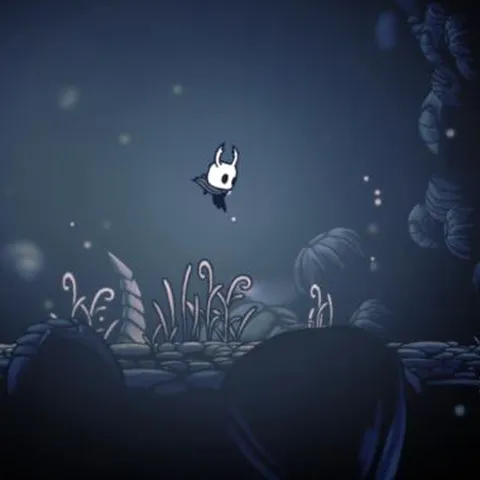
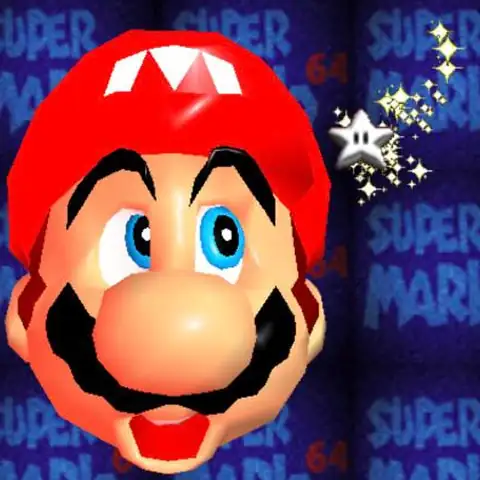
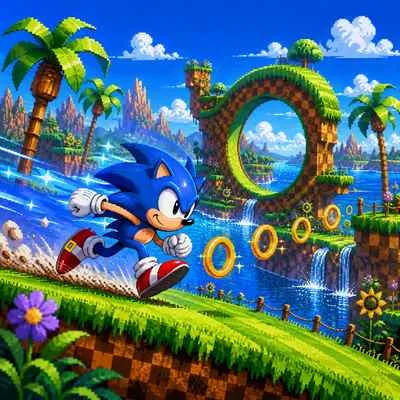
Hollow Knight is another hand-drawn action game with hard bosses. Super Mario 64 and Sonic the Hedgehog are classic platformers. Back to the Ported 2 Browser game list
Player comments
Found a useful control or a way past a tricky part? Leave a note for the next player.