How to start Super Mario 64 in your browser
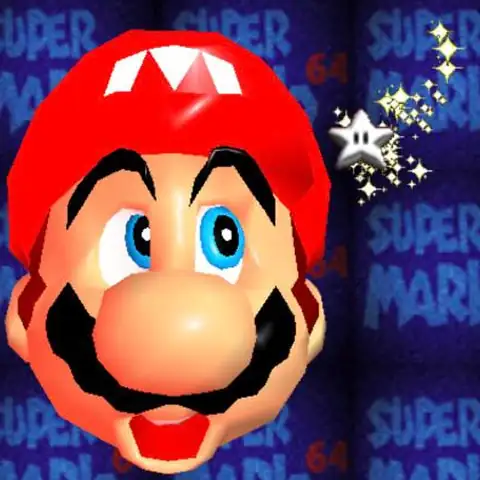
Find Super Mario 64 in the Ported 2 Browser game list and press Start on this page. The frame comes from Miniplay. Click its PLAY NOW button and the N64 emulator starts. Mario's face appeared about 25 seconds later in our check. Press Enter to leave the face screen and again to reach Select File, then press Z to open a save slot. You do not have to supply a ROM file.
Desktop launch check · November 27, 2026
In desktop Chrome we opened file Mario A with Z, watched Princess Peach's letter and the opening flight, and arrived on the castle grounds. Z closed Lakitu's message there. Our test tool sends very short key taps, and those taps did not move Mario with the arrow keys or W. We could not confirm the movement keys, so try holding the arrow keys or W, A, S and D yourself. Levels, audio and saving were not checked.
Super Mario 64 is the 1996 Nintendo 64 launch game that took Mario into 3D. You explore Princess Peach's castle, jump into paintings that lead to separate worlds, and collect Power Stars to open more of the castle.
Keyboard controls
| N64 button | Key | Tested |
|---|---|---|
| Start | Enter | Yes, title screen and file select |
| A (jump, confirm, read) | Z | Yes, picked a file and closed a message |
| Control stick | Not confirmed | Short taps on the arrow keys, W and D did nothing |
Tips
- Give the emulator time after PLAY NOW. A black frame for the first several seconds is normal.
- Click inside the game once before pressing keys so the frame has keyboard focus.
- If a key seems to do nothing, hold it down instead of tapping it.
On a phone or tablet
We have not tested touch play for this player yet, and we have not tried a game controller either.
Saving your progress
The game has four save files, Mario A to D. We did not check whether a save survives closing the tab. Until we do, assume progress may be lost when you leave.
More from the collection
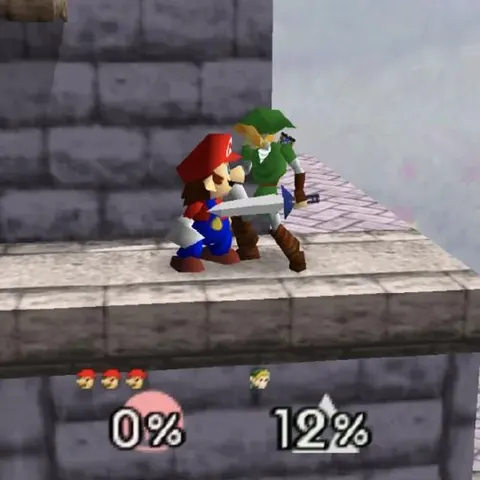
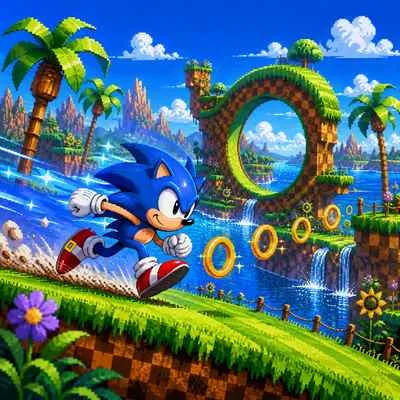
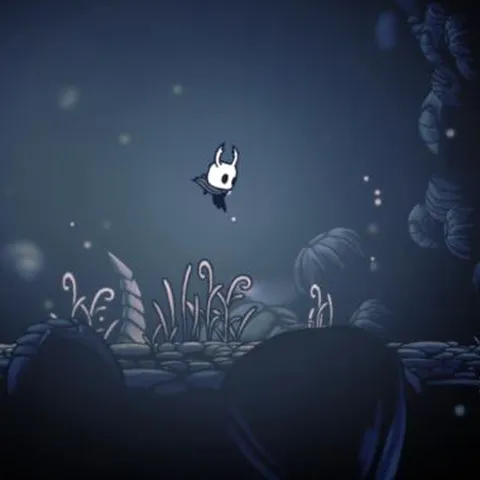
Super Smash Bros. is another Nintendo 64 classic in the collection. Sonic the Hedgehog is the classic platformer from the rival console, and Cuphead and Hollow Knight are modern ones. Back to the Ported 2 Browser game list
Player comments
Found a useful control or a way past a tricky part? Leave a note for the next player.