
How to start Sister Location in your browser
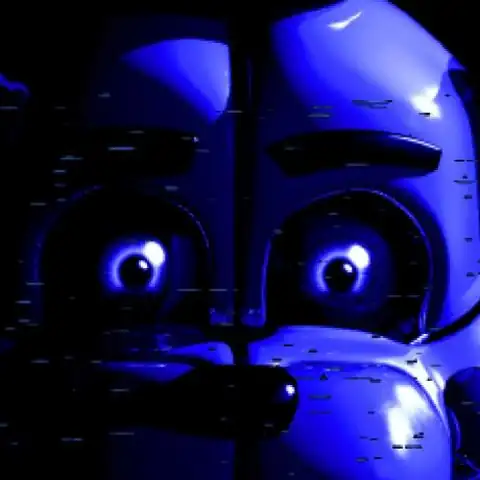
Find FNaF: Sister Location in the Ported 2 Browser game list and press Start on this page, then Play Game in the launcher. A loading bar labelled FNAF Sister Location fills, then the title screen plays. It is dark at first and cycles through the animatronics' faces. Wait until NEW GAME appears beside Funtime Freddy and click it.
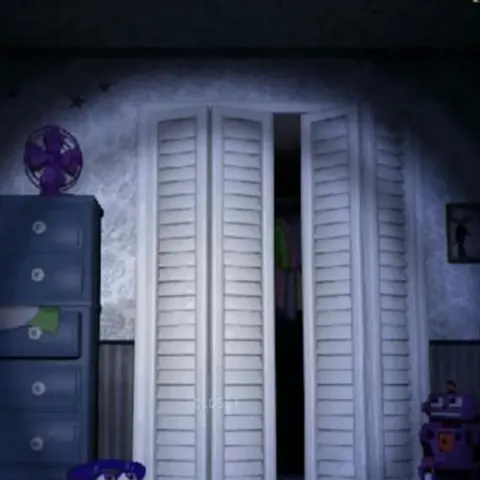
Night 1 starts in an elevator. HandUnit, the yellow robot assistant, asks for your name: click the red button by the door to open the keypad, tap any letter and let HandUnit take over. The elevator then goes down to the facility.
Desktop launch check · November 26, 2026
We loaded this game window inside a page on ported2browser.io in desktop Chrome on a Mac. Play Game loaded the game and the title animation started. On the same build opened on its own, NEW GAME appeared about a minute after loading. We clicked it, opened HandUnit's keypad, entered a letter and rode the elevator down until the taped-off doors opened. Moving the mouse to the edges of the picture turned the view. We did not get into the vents, so the later rooms, the keyboard controls and touch were not tested.
About this version
Five Nights at Freddy's: Sister Location is the fifth main FNaF game. Instead of guarding one office, you work as a technician at Circus Baby's Entertainment and Rental and follow HandUnit's instructions room by room, with Circus Baby, Ballora and Funtime Foxy waiting in the dark. In the original story your character goes by Eggs Benedict.
This browser version is a fan-made remake built in Scratch, not Scott Cawthon's original PC game. The small flag, pause and stop buttons at the top right belong to the Scratch player that runs it. Scratch remakes of Sister Location are common, and several are shared on Scratch and itch.io.
Controls
| Action | How |
|---|---|
| Menus and HandUnit keypad | Click |
| Look around | Move the mouse to the edge of the picture |
| Crawl forward in vents | W (from guides, not tested) |
| Special actions | Space (from guides, not tested) |
We tested clicking and mouse look only. Guides for browser versions of Sister Location list the mouse for looking around and W for crawling. Click inside the game window first so it receives your input.
Tips for Night 1
- Keep the sound on and use headphones. HandUnit's voice tells you what to do next, and the music and noises warn you when to stop moving.
- Be patient on the title screen and in the elevator. Both scenes take a while, and clicking or reloading does not speed them up.
- When you crawl through a vent and the danger cue starts, let go of W and wait.
For a full room-by-room walkthrough, see the FNAF 5: Sister Location guide on Frickbears.app.
On a phone or tablet
We have not tested touch play. The game expects a mouse for looking around and a keyboard for the vent sections, so play on a computer.
Saving your progress
We found no save system. The title screen offered only NEW GAME, and after we started Night 1 the game had written no save data to browser storage. Plan to play from the beginning in one sitting.
More from the collection
Play the game before it in Five Nights at Freddy’s 4, go back to where it started in Five Nights at Freddy’s, or try the cartoon fan take in Frickbears 3. Back to the Ported 2 Browser game list.
Player comments
Found a useful control or a way past a tricky part? Leave a note for the next player.