
How to start Cricket 07 in your browser
Press Play Cricket 07 on this page. The game opens on the developer's site, cricket07.dhaiwat.com, in a new tab. Choose a version there: Lite (438 MB) or Regular (740 MB). The download goes into your browser's storage, so later visits skip it.
When the download finishes, choose Play Solo. The page shows Loading the game data… and then the familiar title screen. Click the game to continue. The game asks whether to save your profile; pick Yes to keep progress or Continue Without Saving for a quick match. You land on the main menu with Play Now, Game Modes, The Ashes, Create Player and My Cricket.
Desktop launch check · November 24, 2026
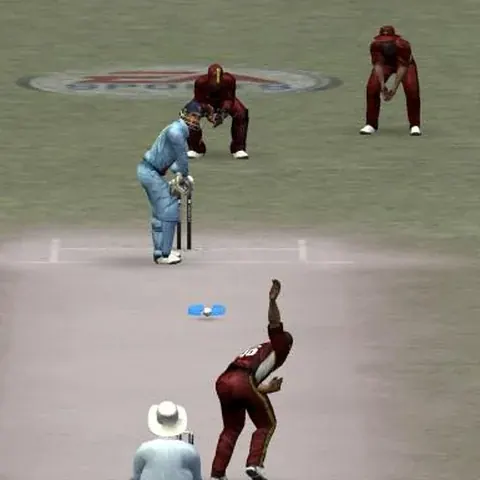
We ran the Lite version in desktop Chromium. The download finished in about 25 seconds on a fast connection. We went from the title screen through team select, the toss and the stadium intro to a live 10-over match, India against West Indies at Kolkata. The menu keys worked. We did not test shot timing, saving, controllers or phones.
Why it opens on another site
This page is a guide and a launcher. The port needs cross-origin isolation, a browser security mode that only works when the game is the main page, so it cannot run inside our player. When we tried, it stopped with an error. Ported 2 Browser does not host the game files.
About this browser port
Cricket 07 is the 2006 cricket game from EA Sports, developed by HB Studios with EA Canada for Windows and PlayStation 2. It covers limited-overs matches of 50, 20, 10 or 5 overs, four-day first-class games and five-day Tests. It was also EA's last cricket game.
The browser version is a fan project by Dhaiwat Pandya. It is not an emulator: the Windows program was translated into WebAssembly, and its Direct3D 8 graphics now run on WebGPU, so you need a browser with WebGPU turned on. Our check used desktop Chrome.
One thing from the original stays: EA only licensed Australia, England, South Africa and New Zealand. Other sides use made-up player names. In our India match the batting order was full of invented names.
Keyboard controls
These are the keys the site lists. S and the arrow keys moved through the menus in our check.
| Action | Key |
|---|---|
| Normal shot | S |
| Lofted shot | Hold Shift |
| Advanced shot | D |
| Shot direction | Arrow keys |
| Take run / cancel run | D / A |
| Stock delivery | S |
| Special delivery | A, D, Shift or Alt |
| Place the ball | Arrow keys |
| Menu select / back | S / W |
| Pause | Esc |
| Fullscreen | Alt + Enter (⌥ + Enter on Mac) |
| Save type / delete save / name a save | Shift, Space / D / Enter |
The site also says game controllers work.
Your first match
Play Now goes straight to team select. Use the left or right arrow to move the controller icon under the team you want, then press S on Continue. Next come the stadium settings (location, match type, number of overs, difficulty), the pitch and weather, and your playing XI. Press S on Done to accept the default side. If you win the toss, pick Bat or Bowl.
Multiplayer
The site launched with online 1v1 rooms. On November 24, 2026, the multiplayer option said it had shut down because of server costs. Play Solo still works, and the site describes it as offline play against the computer or with controllers on one device.
On a phone or tablet
The developer has announced mobile support with on-screen touch controls. We have not tested it. The first download is several hundred megabytes, so use Wi-Fi.
Saving and storage
Game files and saves live in your browser on this device. Clearing the site's data removes the download and your profile. Save your profile in the game before closing the tab.
More from the collection
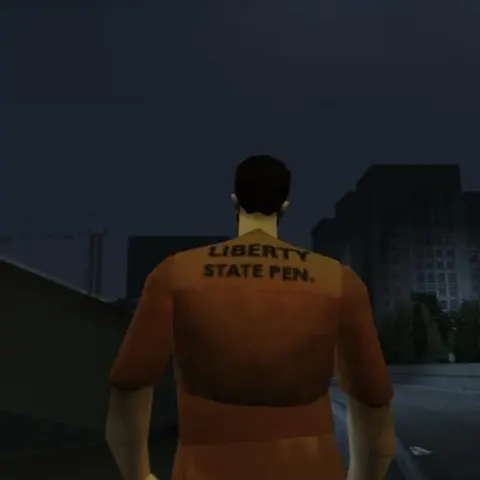
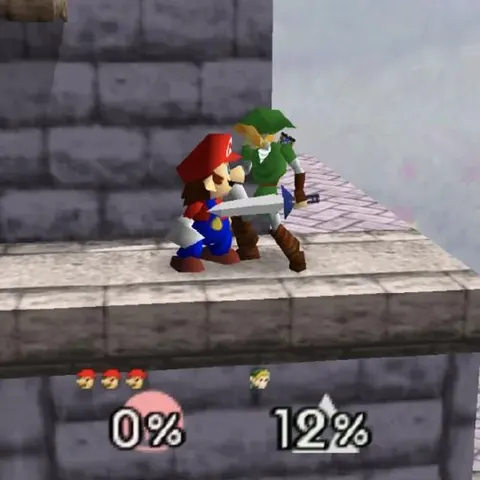
Like 2000s PC classics? Try Grand Theft Auto III and Grand Theft Auto: Vice City, or settle a score with a friend in Super Smash Bros. For another sports game that runs right in the page, coach an American football team in Retro Bowl. Back to the Ported 2 Browser game list.
Player comments
Found a useful control or a way past a tricky part? Leave a note for the next player.